

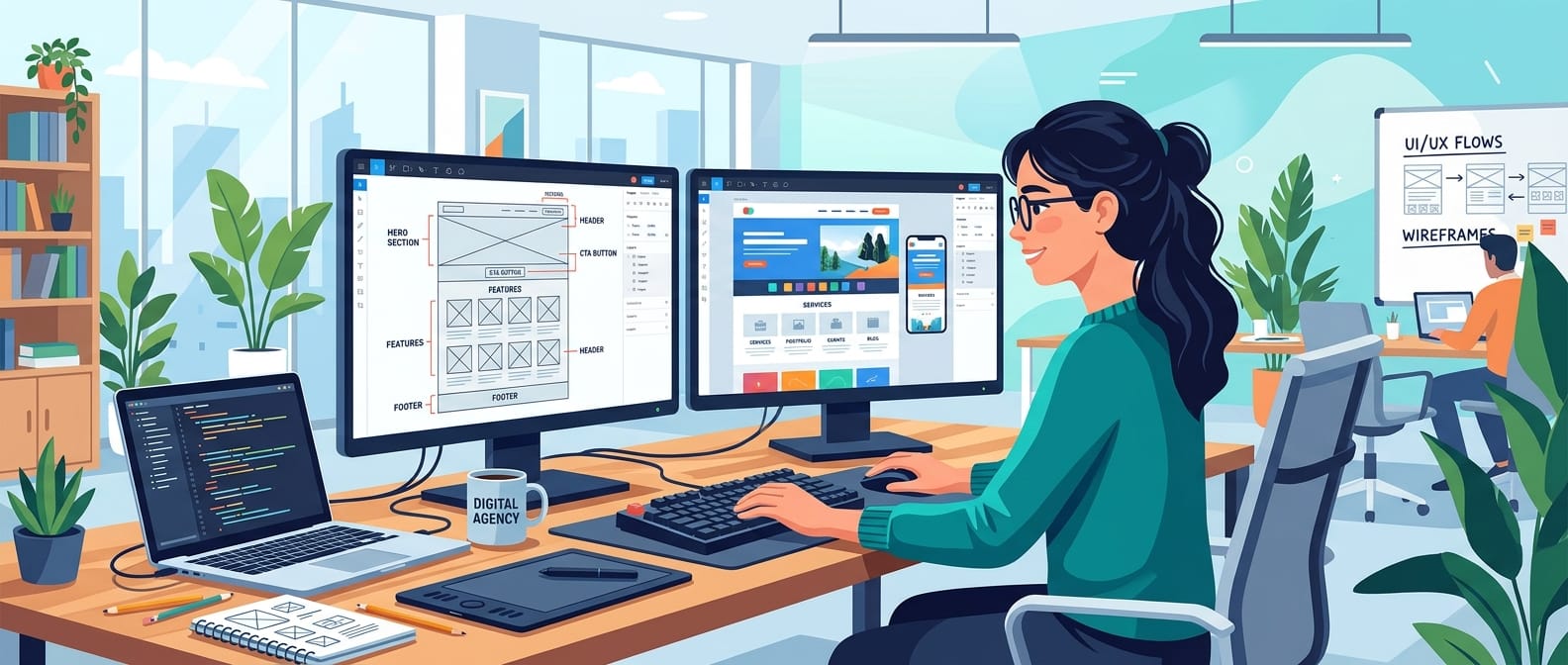
Website Design Services for Small Businesses: What’s Included and How to Choose
Website design services cover the work between “our site needs help” and a live website that loads quickly, builds trust, and turns visitors into enquiries. For a small business, that usually means a team that plans your site structure, designs each page, builds it on a platform you can manage, and tests it before launch.
This guide explains what small business website design services include, which factors drive cost, and how to compare providers. It also covers how to design a website for a professional service firm, where trust and clarity matter more than visual flair.
Key takeaways
- Good website design services combine strategy, design, development, and testing, not just a visual template.
- Cost depends on scope: page count, custom features, content work, and integrations.
- A professional service website needs proof, clear service pages, and an easy way to get in touch.
- Compare providers on what’s included, who owns the site, and what happens after launch.
What Are Website Design Services?
Website design services are the professional planning, design, and build work that produces a business website. Design decides how the site is organized, how it looks, and how visitors move through it. Development turns that design into working pages with code, a content management system (CMS), forms, and technical foundations.
Some providers handle only the visual layer. Others, including Website design services, cover both design and WordPress development so the finished site is ready to manage.
The distinction matters when you compare quotes. A low price may cover a template with your logo. A higher one may include research, custom page layouts, testing, and launch support. For a closer look at the platform side, see our guide to WordPress web design costs, tips, and benefits.
What Do Small Business Website Design Services Include?
Small business website design services vary by provider, but a complete project usually covers these components:
Component | What it covers | Why it matters |
|---|---|---|
Discovery | Goals, audience, competitors, must-have features | Prevents building the wrong site |
Site structure | Sitemap, navigation, page hierarchy | Helps visitors and search engines find content |
Wireframes and design | Page layouts, typography, color, imagery | Sets usability and first impressions |
Development | Theme or custom build, forms, integrations | Makes the design work reliably |
Content setup | Copy, images, service pages, metadata | Fills the structure with useful information |
Testing | Phones, tablets, browsers, forms, links | Catches problems before visitors do |
Launch and handoff | Go-live checks, redirects, training | Protects existing traffic and your ownership |
Two items are easy to overlook: content and ongoing care. Design cannot fix missing copy, so ask who writes and edits your pages. A site also needs updates, backups, and security monitoring after launch, so confirm what support follows go-live. Our overview of WordPress website development services and WordPress maintenance services explains both areas in more detail.
Who Needs Website Design Services?
Professional help makes the most sense in a few common situations:
- You are launching a new business and need a credible site quickly.
- Your current site looks dated, loads slowly, or is hard to use on a phone.
- Visitors reach your site but rarely call, book, or submit a form.
- You are adding services, locations, or online sales.
- Your site depends on a developer who is no longer available.
If one or more of these sounds familiar, a scoped project built around your goals may serve you better than patching pages one at a time.
Types of Website Design Services
Not every business needs the same engagement. These are the most common types:
- Custom website design. Layouts planned around your brand and customer journey. Best when you need a distinctive site or specific functionality.
- Template or theme-based design. A pre-built theme adapted to your brand. It is faster and often less expensive, with fewer layout options.
- Website redesign. An existing site is reviewed and rebuilt to fix usability, mobile, or content problems while keeping the content and search visibility worth preserving.
- Ecommerce design. Product pages, cart, and checkout, commonly built with WooCommerce on WordPress.
- Landing page design. Single-purpose pages for a campaign or offer, with one clear action.
- Maintenance and support. Updates, backups, and fixes after launch.
How the Website Design Process Works
A typical project moves through six stages. Timing depends on scope, how quickly you approve work, and how ready your content is.
- Discovery. You and the designer agree on goals, audience, and success measures such as calls, form submissions, or bookings.
- Planning. The team maps pages and navigation, usually starting with the services visitors ask about most.
- Wireframes and design. Wireframes show layout before colors and imagery are applied. Reviewing structure first saves costly revisions later.
- Build. Pages are built on the chosen platform and filled with your content, images, and forms.
- Testing. The team checks phones, browsers, forms, speed, and accessibility basics.
- Launch and follow-up. Redirects, analytics, and search settings are verified before and right after go-live.
Ask any provider to show how its process maps to these stages. If a proposal skips discovery or testing, expect gaps later.
What Affects the Cost of Website Design Services?
Pricing varies widely, and no provider can quote accurately without understanding scope. These factors move the price most:
- Number of pages and unique page layouts
- Custom features such as booking tools, calculators, or client portals
- Ecommerce needs, including product volume and payment setup
- Copywriting, photography, and content migration
- Integrations with a CRM, email platform, or scheduling tool
- New build versus redesign of an existing site
- SEO, accessibility, and performance requirements
- Ongoing maintenance expectations
Compare quotes line by line instead of by total. Ask what is included, what costs extra, and who owns the domain, hosting account, and design files at the end. Vague proposals make surprise costs more likely.
Website Design Services vs. DIY Website Builders
Website builders have a place. For a simple, temporary, or very low-budget site, a builder can get you online quickly. The trade-offs show up as your needs grow.
| DIY website builder | Professional website design services |
|---|---|---|
Speed to launch | Fast for simple sites | Depends on scope |
Layout control | Limited by templates | Custom layouts possible |
Technical SEO control | Varies by platform | Usually greater, especially on WordPress |
Your time commitment | High | Lower, because the team does the work |
Best for | Simple or short-term sites | Lead generation, growth, and complex needs |
Professional help usually pays off when your website is a main source of leads, when you need custom functionality, or when you want more control over performance and search structure. If you are still comparing platforms, our guide to free website platforms shows what free options can and cannot do.
How to Design a Website for a Professional Service
Law firms, accountants, consultants, clinics, and other professional practices share one challenge: clients cannot try a service before buying, so the website has to earn trust quickly. If you are working out how to design a website for a professional service, build around these five principles.
Start With the Client’s Problem
Lead with what the visitor is trying to solve, not with your firm’s history. A homepage headline such as “Tax help for small business owners” works harder than “Welcome to our firm.” Then show who you serve and what happens next.
Give Each Service Its Own Page
Separate pages for each core service let visitors find precise answers and give search engines clear topics to match. Each page should explain who the service is for, how it works, what to prepare, and how to get started.
Show Proof You Can Verify
Credentials, licenses, certifications, client reviews, and case summaries reduce hesitation. Use only claims you can document, and follow your industry’s advertising and confidentiality rules.
Make Contact Effortless
Place a phone number, short form, or booking link where decisions happen: the header, service pages, and footer. Keep forms short and say what happens after someone submits one.
Plan for Local and Topical Search
Include your service area, practice areas, and consistent business details. Content that answers real client questions supports search visibility. For an example in a regulated field, see our guide to SEO for lawyers.
Design Features That Support Search, Speed, and Accessibility
Strong visuals matter little if pages are slow, hard to use on a phone, or inaccessible. Ask any provider about these areas.
Mobile-first layouts. Many visitors will see your site on a phone first, so menus, forms, and buttons must work on small screens.
Performance. Google’s Core Web Vitals measure loading, responsiveness, and visual stability. Per web.dev’s documentation on the thresholds, a “good” result means a Largest Contentful Paint of 2.5 seconds or less, an Interaction to Next Paint of 200 milliseconds or less, and a Cumulative Layout Shift of 0.1 or less, measured at the 75th percentile of page loads. These are one part of page experience, not a ranking guarantee.
Accessibility. In 2022 the U.S. Department of Justice published guidance on web accessibility and the ADA explaining how businesses open to the public can make their websites accessible. Because the guidance is not a technical specification, many teams use the Web Content Accessibility Guidelines (WCAG) as a benchmark. Practical basics include text alternatives for images, sufficient color contrast, keyboard navigation, and labeled form fields. This is general information, not legal advice.
Search-friendly structure. Clean headings, logical URLs, descriptive page titles, and crawlable pages give search engines clear signals. Google’s Search Central documentation explains the basics, and ongoing WordPress SEO services can build on a sound foundation after launch.
How to Choose Website Design Services
Use this checklist when comparing providers:
- Relevant work. Ask for examples from similar businesses, not only attractive screenshots.
- Clear scope. Pages, revisions, content, integrations, and testing should be listed in writing.
- Ownership. You should own your domain, hosting account, and content. Confirm who owns design files and any custom code.
- Content plan. Who writes, edits, and approves copy, and by when?
- SEO awareness. For a redesign, ask how URLs, redirects, and existing rankings will be protected.
- Platform fit. Can your team update the site without a developer for every change?
- After launch. What support, security updates, and backups are included, and who do you call when something breaks?
- Communication. Look for a named contact, clear milestones, and a defined feedback process.
If you prefer local help, our guide to finding WordPress website designers near you covers what to look for. When search growth is a priority, our guide to choosing a WordPress SEO agency is a useful companion.
Common Mistakes to Avoid
- Designing before planning content. Pages built around placeholder text often need rework.
- Skipping the redirect plan. A redesign can lose search visibility if old URLs are not mapped to new ones.
- Treating launch as the finish line. Sites need updates, backups, and security checks after go-live.
- Overloading pages. Sliders, pop-ups, and heavy animation can slow pages and distract from the main action.
- Not measuring results. Set up analytics and define goals before launch so you can judge what works.
Next Steps
Choosing among website design services comes down to fit: a clear scope, a process you can follow, and a team that explains trade-offs plainly. Start by writing down your goals, your core services, and the one action you want visitors to take.
When you’re ready to talk through a project, review AI POTLINE’s website design services or contact the team with a short description of your business and goals.
Frequently Asked Questions About Website Design Services
What do website design services include?
Usually discovery, site structure, visual design, development, content setup, testing, and launch support. Scope varies by provider, so confirm inclusions in writing.
How much do small business website design services cost?
Cost depends on page count, custom features, ecommerce needs, content work, integrations, and whether the project is a new build or a redesign. Compare itemized quotes rather than headline prices.
How long does a website design project take?
It depends on scope, how fast feedback arrives, and content readiness. Simple sites move faster than ecommerce or heavily customized builds. Ask for a milestone schedule.
What is the difference between website design and website development?
Design covers layout, visual style, and user flow. Development builds the working site with code, a CMS, and forms. Many providers offer both.
How do I design a website for a professional service?
Lead with the client’s problem, create a page for each service, show verifiable credentials and reviews, and make contact easy on every page.
Should I use a website builder or hire a professional?
A builder suits simple or short-term needs. Professional help is usually the better fit when the site is a main lead source or needs custom functionality, performance control, or search-friendly structure.
One thought on “Website Design Services: What’s Included & How to Choose”